Blender is the most popular open-source 3D creation suite globally, used by millions of artists and designers. It offers over 250 in-built tools for modeling, sculpting, texturing and animating 3D projects and assets. With a modern OpenGL engine to take on the most demanding rendering jobs, it can use both CPU & GPU to deliver hold work and power through projects.
How to use Blender?
Is Blender Course Certified?
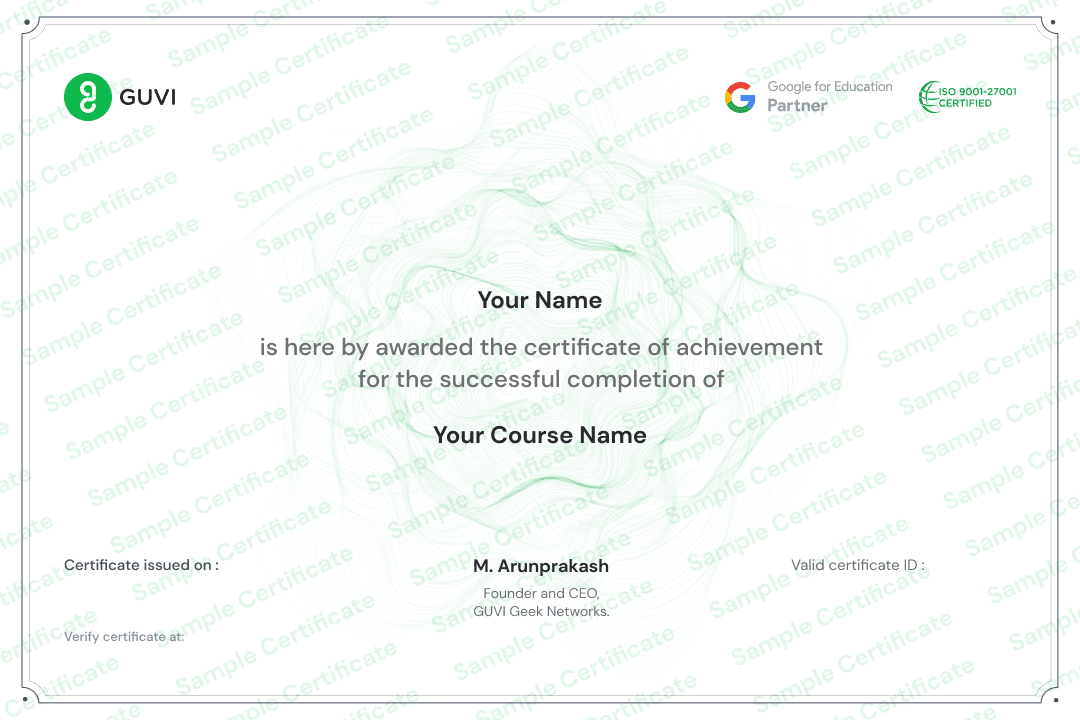
LearnVern offers Skill India certification on successful completion of the Blender Tutorial to its learners. Skill India is the flagship project of the National Skill Development Corporation and is a coveted recognition acknowledged across the country. The aim is to improve the skills of youth in the country and make them more employable.
Is it difficult to learn Blender?
If you are thinking about how to learn Blender, then the program's interface can be intimidating at first, but with time and effort, you will find it easy to use. Blender has an extensive list of features and tools that professionals in the industry use. However, it has an extensive user interface that can initially be overwhelming. The learning curve is steep because of the many different tools in the interface and the fact that you have to know how each one works to use them properly.LearnVern provides you with all the instructions and guidance needed to start with Blender Software. It also has a forum for you to ask questions about any problems you might face when learning this software.
What is the purpose of Blender Tutorial for Beginners?
The purpose of the Blender Tutorial for Beginners is to teach new users how to use Blender. It covers the basics of Blender and provides information about how to create a 3D object and add materials, textures, and lights. This tutorial is aimed at beginners who have never used a 3D modeling software before or have never used Blender before.
Will I need to have any previous experience before starting this Blender tutorial?
No previous experience is needed. The tutorial will cover all the basics and will be a good introduction to the Blender software. This tutorial is for people that have never used Blender before and want to get started with this powerful digital animation software. It will cover all the basics, so you can start animating right away!
How long will it take to complete Blender Tutorial for Beginners?
It takes about 11 hours to complete the Blender tutorial for beginners. The videos are very easy to follow, and they're broken down into small sections, so it's easy to follow along with the instructor. The Blender tutorials for beginners are very detailed and informative. These tutorials will help you learn how to use this software step-by-step. You will be able to create your own 3D animations, 3D models, and games with the help of these videos.
What projects will I be able to work on after completing the Blender tutorial for beginners?
Blender is a free and open source 3D computer graphics software which has been used in movies such as The Avengers, Avatar, and Thor. It's also used in video games such as Tomb Raider and Deus Ex. You will be able to work on the following projects after completing the Best Online Blender Course for beginners: - Creating a basic animation,- Creating a basic interactive game,- Setting up an environment in the 3D software.
Which is the best online Blender course for someone with no experience?
If you are a beginner looking to learn Blender, this is the best online Blender course for you. LearnVern is an online learning platform that provides tutorials on different topics. The courses are designed to be easy to follow and understand. It has been shown that the best way to learn Blender is through video tutorials. The course starts with a very basic introduction and gradually moves on to more advanced topics such as animation, texturing and rendering.
How much does the Blender course cost?
LearnVern offers the Blender course for free. There is a nominal fee for the NSDC Certificate.
What is covered in the Blender Course?
The Blender course includes:A set of videos that will teach you how to use BlenderAn NSDC certificate upon completion of the courseA certificate of completion that can be downloaded A community forum where you can ask questions and help others with their issues.