3D Modeling with Maya

by

LearnVern

#1

See all ranking

3D Modeling with Maya

by

LearnVern

#1

See all ranking

with Certifications

of Recorded Content

4.8 Rated

Language

with Certifications

of Recorded Content

4.8 Rated

Read all Reviews

Language

What's in it for You?

Key Features:

Topics you will learn

  • Introduction to Maya Interface

      • Introduction to Maya
      • Maya Installation and UI Interface

  • Autodesk Maya Primitives

    Primitives in Maya

  • Organic and Inorganic Modeling

      • Curve Modeling in Maya
      • Polygonal Modeling in Maya

  • Furniture and Object Modeling

      • Lantern Modeling in Maya Part -1
      • Lantern Modeling in Maya Part -2
      • Chair Modeling in Maya
      • Cabinet Modeling in Maya
      • Jug Modeling in Maya
      • Bed Modeling in Maya
      • Side Table & Lamp Modeling in Maya

  • Two Wheeler Vehicle Modeling

      • 3D Two Wheeler Modeling in Maya Part - 1
      • 3D Two Wheeler Modeling in Maya Part - 2
      • 3D Two Wheeler Modeling in Maya Part - 3
      • 3D Two Wheeler Modeling in Maya Part - 4
      • 3D Two Wheeler Modeling in Maya Part - 5

  • Four Wheeler Vehicle Modeling

      • Car Modeling in Maya Part -1
      • Car Modeling in Maya Part -2
      • Car Modeling in Maya Part -3
      • Car Modeling in Maya Part -4
      • Car Modeling in Maya Part -5
      • Car Modeling in Maya Part -6

  • Human Body Modeling

      • Hand Modeling in Maya
      • Foot Modeling in Maya
      • Human Body Modeling in Maya Part - 1
      • Human Body Modeling in Maya Part - 2
      • Human Body Modeling in Maya Part - 3
      • Human Face Modeling in Maya Part - 1
      • Human Face Modeling in Maya Part - 2
      • Human Face Modeling in Maya Part - 3
      • Human Face Modeling in Maya Part - 4
      • Finalizing Human Body Modeling

  • Animal Modeling

      • Squirrel Modeling in Maya Part -1
      • Squirrel Modeling in Maya Part -2
      • Squirrel Modeling in Maya Part -3

  • Sculpting Tool

      • How to use sculpting feature in MAYA
      • Sculpting a tree trunk in MAYA Sculpting
      • Sculpting a Face in MAYA Sculpting

  • Assignment

    Assignment of 3D Maya Modeling

  • Quiz

    3D Modeling With Maya Quiz

  • Course Summary

    Course Summary

  • Interview Question

    Interview questions in 3D Maya Modeling

  • Career Guideline

    Career Guideline

Course Offerings

Certificate you will get

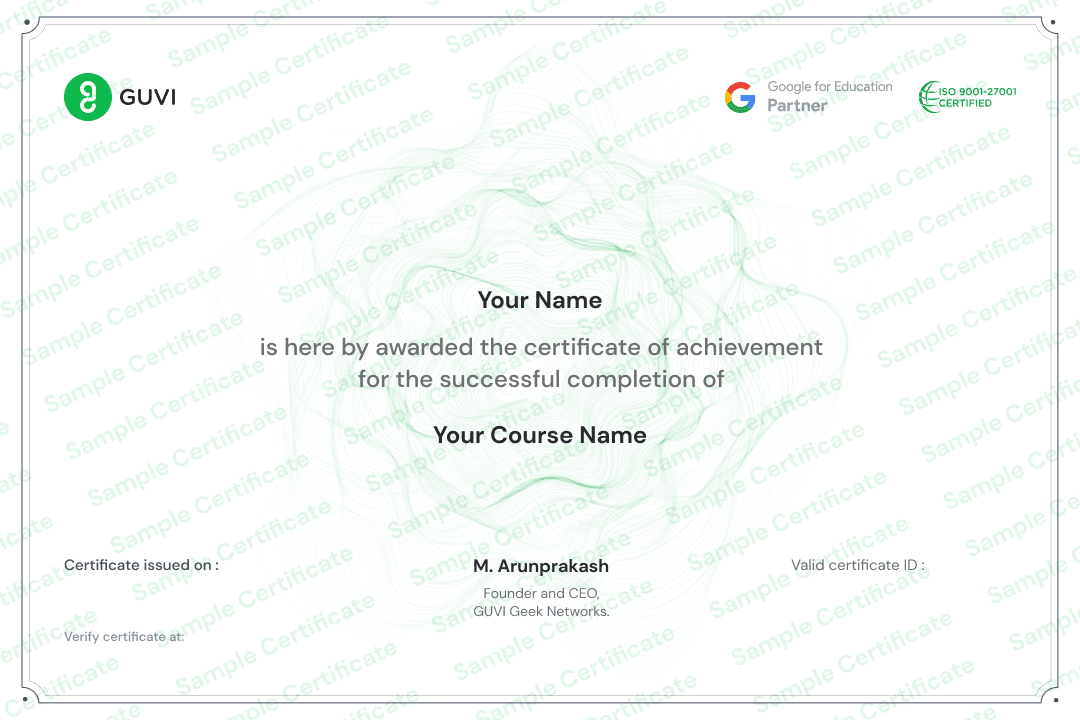
NSDC Certificate of Partnership with LearnVern.
Help build strong resume.
Great add-on to get Internship.
Upgrade your Job with this certificate proof.

After this Course

Pre Requsites

Course is for

No results found.

FAQ's

  • What is Maya?
    Maya is one of the oldest and most popular 3D computer graphics applications for visual effects, animation and design. It has been used in film, television, computer games, video production and many other fields. It was developed by Autodesk. Maya is now one of the most successful packages in its category. Maya is used by many companies across industries to create videos or traditional 3D content. Maya has several major versions for different platforms like Windows, MacOSX, Linux and embedded systems. Maya has powerful features like tools for animation creation, detailed lighting system with over 100 parameters per object and flexible animations with the ability to combine them into complex sequences that can be easily modified by using undo/redo functions.
  • What is the use of Maya?
    Autodesk Maya is a software that provides an easy way to create animation from scratch. It allows anyone, from the most experienced professional to beginners, to create and animate. Maya Software is not just a generator of art or animation: it also allows you to edit the elements of the video and add filters and effects. Easy to use, intuitive, robust and powerful tools make it one of the most popular software in the industry. It enables users to design 3D models quickly. Maya is widely used in the film industry for compositing, special effects and motion graphics.
  • Is Autodesk Maya free?
    Autodesk Maya comes in two versions: Maya and Maya LT, also known as Maya Lite. Maya is available for commercial use as a monthly subscription for Rs.87,423, and Maya LT is available for Rs.11,308/year. You can use the Maya free trials for 30 days for commercial purposes. Go to www.autodesk.in to download the free trial version of Maya. For www.autodesk.in, select 'Free Trial' from the top menu, then search for the software you want in the search bar, and then select 'Free Trial' from the correct search result. If you are a member of an educational institution or a student, you can get free access to Maya by creating an Autodesk account. Students and educators from all over the world can participate in the Autodesk education programme. However, you are not permitted to use the student version for commercial, training, or production purposes.
  • Is Maya Course Certified?
    LearnVern offers Skill India certification on successful completion of the Autodesk Maya Tutorial in Hindi to its learners. Skill India is the flagship project of the National Skill Development Corporation and is a coveted recognition acknowledged across the country.

Similar Courses

CourseKhoj
Logo
Compare items
  • Total (0)
Compare
0